
Free downloads. No sign-up.
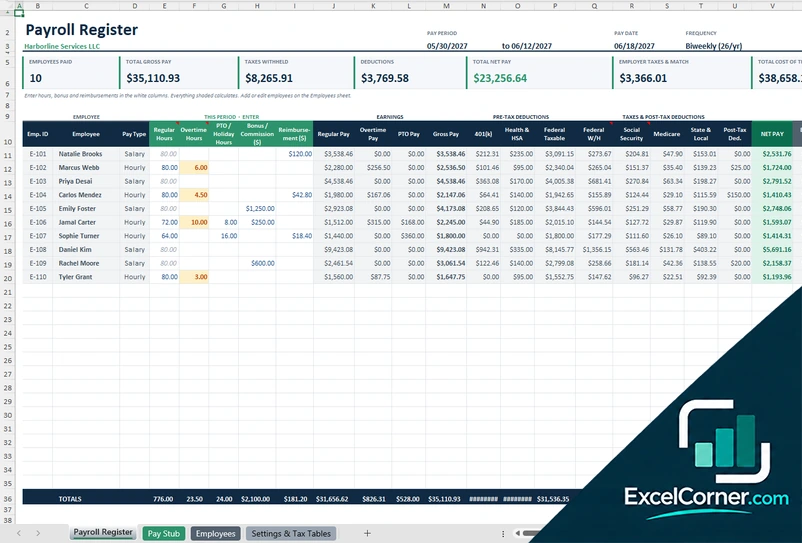
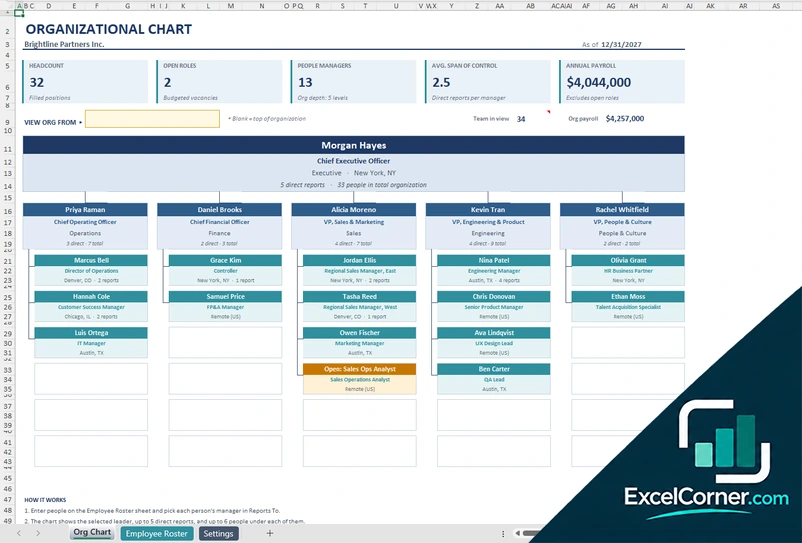
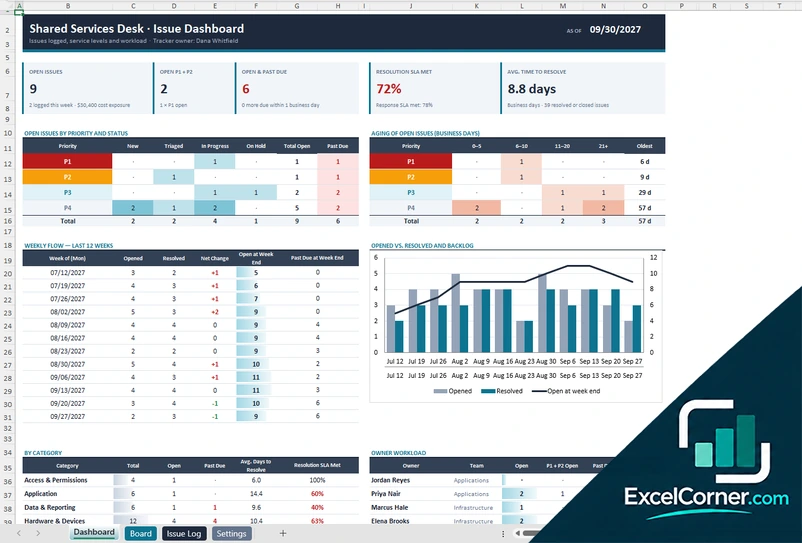
Ready-to-use .xlsx workbooks with sample data. Every template comes in up to three versions, so you can compare them side by side and download the one that fits.
Popular:PayrollOrg chartNet worthIssue trackerPTO tracker
- No email, no tracking
- Checked in Excel before publishing
- Plain .xlsx files
Browse Excel templates by category
Each category page groups its templates by topic, so you can find the right one without searching.
Personal Finance
Debt payoff, bills and income, net worth, investing and retirement.
16 templatesBrowse Personal FinanceProject Management
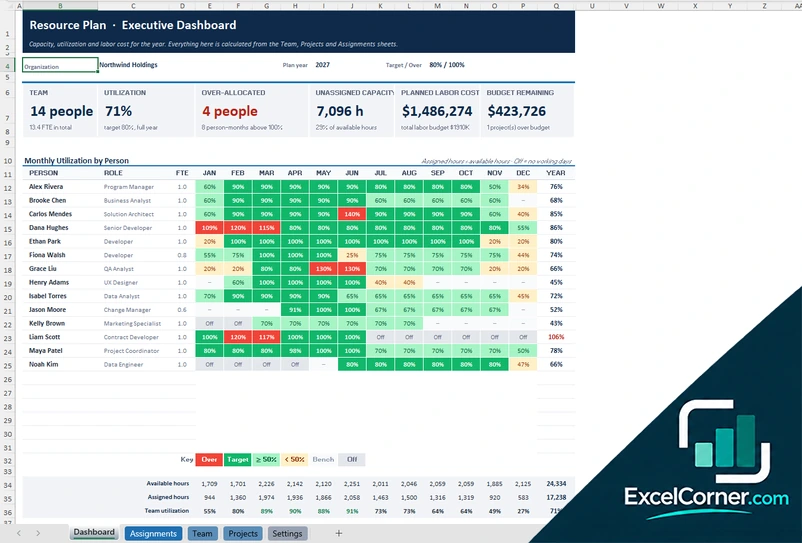
Resource planning, risks and issues, changes, costs and effort.
9 templatesBrowse Project ManagementHR & Workforce
Org charts, payroll, pay stubs, PTO, attendance and leave.
13 templatesBrowse HR & WorkforceAccounting & Business
Costing and margins, 1099, W-2, Schedule C and tax tracking.
12 templatesBrowse Accounting & BusinessMore on the way
Missing a template? Tell us what you need and we will add it to the list.
Request a templatePopular Excel templates
The most searched templates on the site, each with up to three versions to compare before you download.
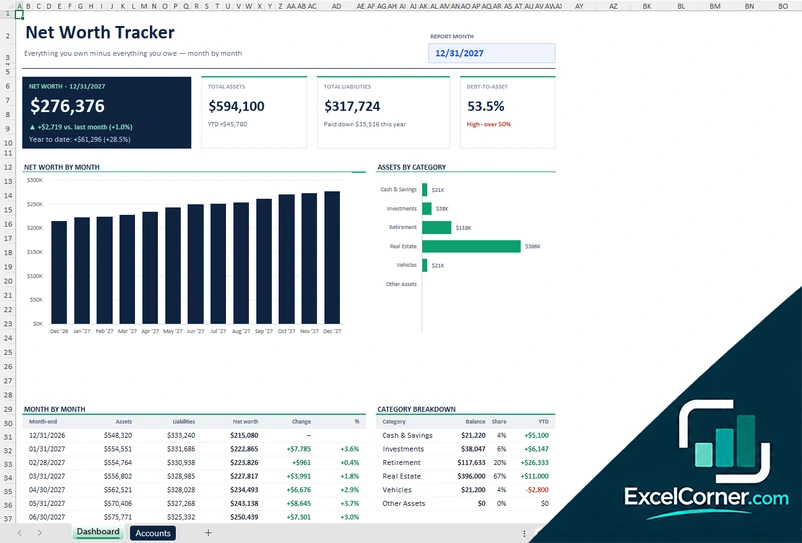
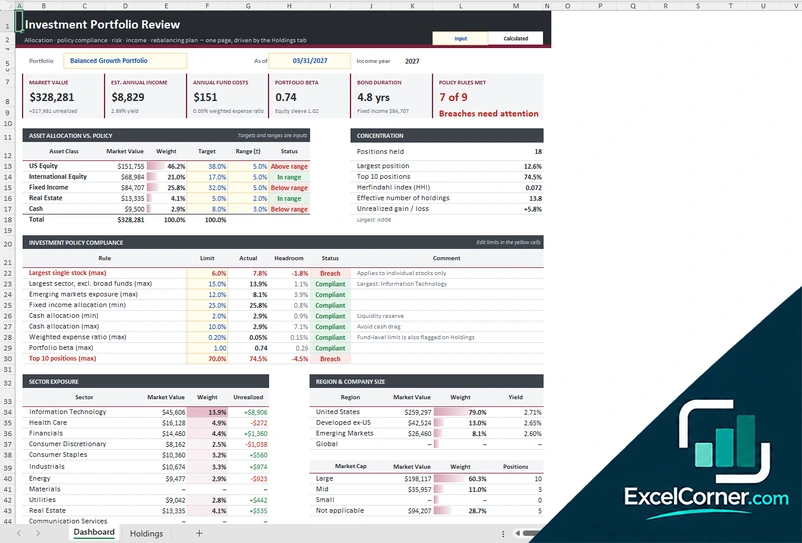
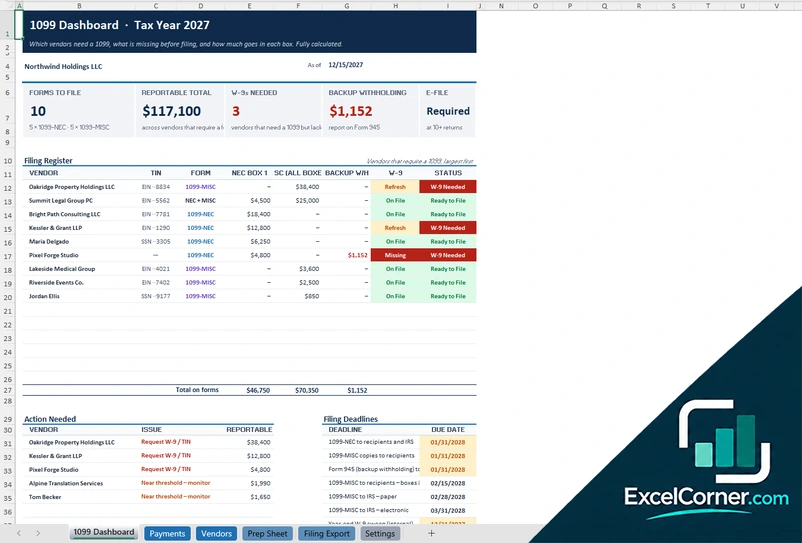
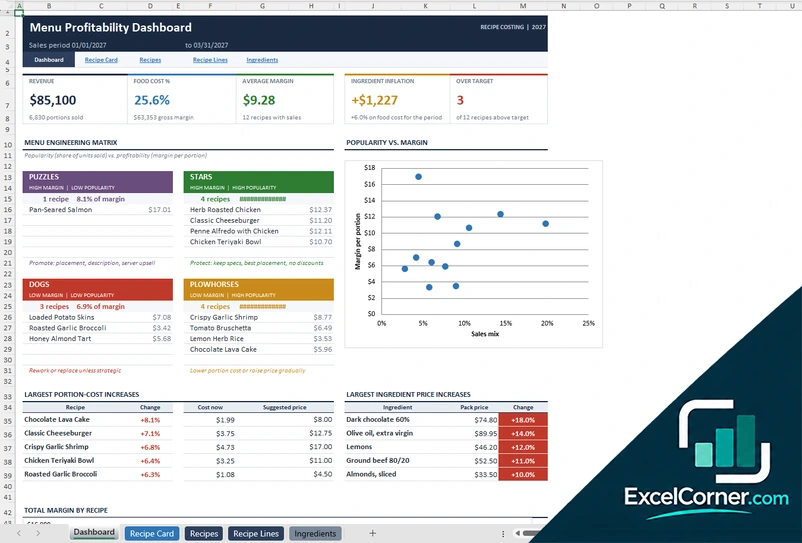
Recently added
The latest templates, published as they pass our checks.
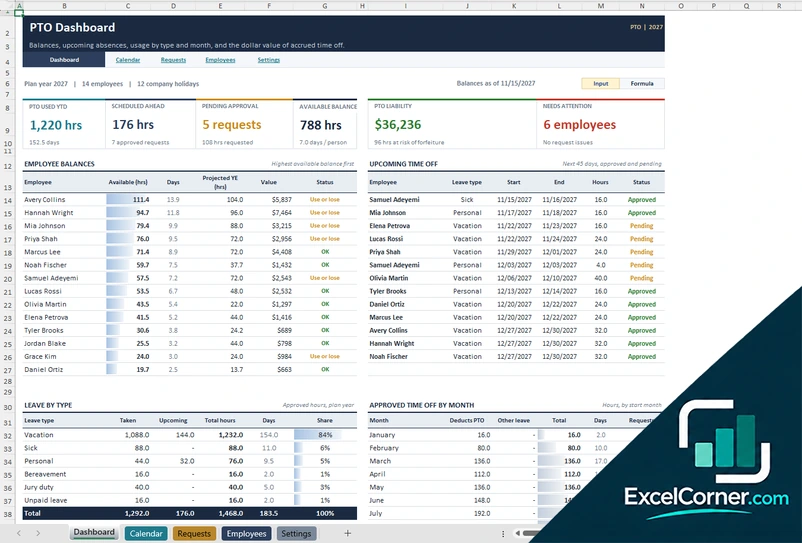
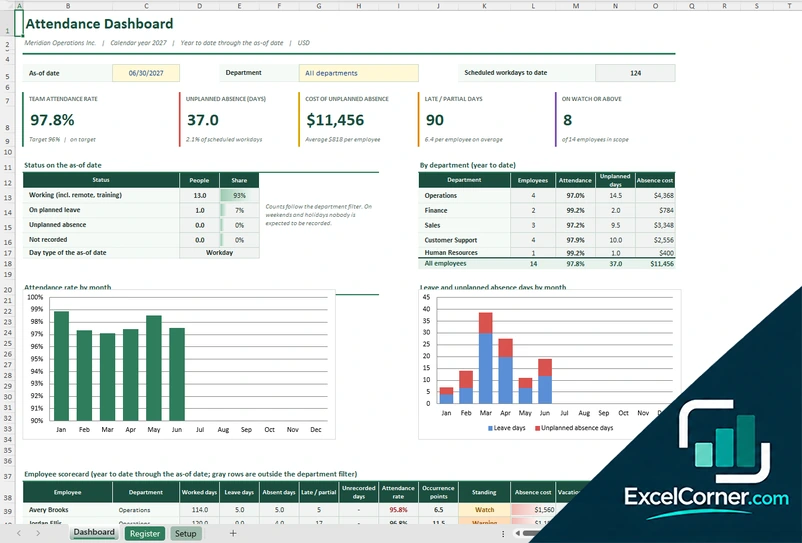
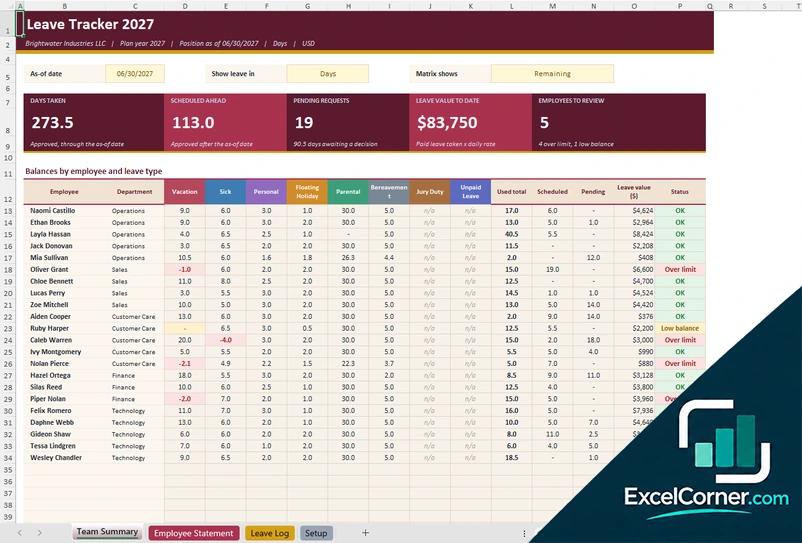
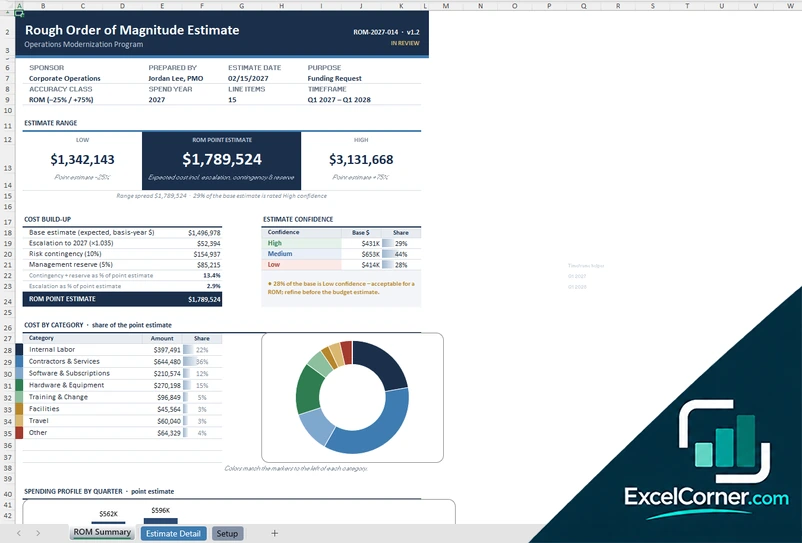
Templates that open and work the first time
We open every file in Excel, recalculate the formulas, check the charts and fix errors before a template goes live.
Up to 3 versions per template
Compare real previews and pick the layout you prefer. They are separate files, so you can use more than one.
Tested before publishing
Formulas, charts and number formats are verified in Excel. Sample data shows what each file does.
Built for US-English Excel
US date and number formats and standard formulas, with no macros to enable.
Your data stays with you
No account, no email and nothing uploaded. The numbers you type stay in your own file.
How it works
Pick a template
Browse a category or search for what you need, such as payroll or net worth.
Compare the versions
Each page shows up to three previews with what is inside every file.
Download and fill it in
Get the .xlsx, replace the sample data with yours and the formulas do the rest.
Frequently asked questions
Short answers about the templates. Anything else, use the form below.
Are the Excel templates really free?
Yes. Every template is a free .xlsx download. You do not need an account or an email address.
Do the templates work on a Mac or in Google Sheets?
They are made for Microsoft Excel and use standard formulas with no macros, so they open in Excel for Windows and Mac. You can also upload them to Google Drive and open them in Google Sheets, but some formatting or charts may look different.
Why are there up to three versions of each template?
People work in different ways. Each page offers different layouts of the same job, such as a dashboard, a detailed tracker or a simple form, so you can choose the one that suits you.
Is my data stored online?
No. The templates are plain Excel files, so the names and figures you type stay in your own file on your own computer.
Are the finance, payroll and tax templates professional advice?
No. They are calculation and tracking tools with sample data. Check rates, rules and figures against your own situation, and speak to a qualified professional for advice.
How do I ask for a template that is not here?
Use the contact form on this page and choose "Request a template". Tell us the job the template should do.
Contact us or request a template
Missing a template, found a formula problem or have a question? Send a message and we will read it.
- For a problem, add the template page and your Excel version.
- For a new template, describe the job it should do.
- We only use your details to reply to you.